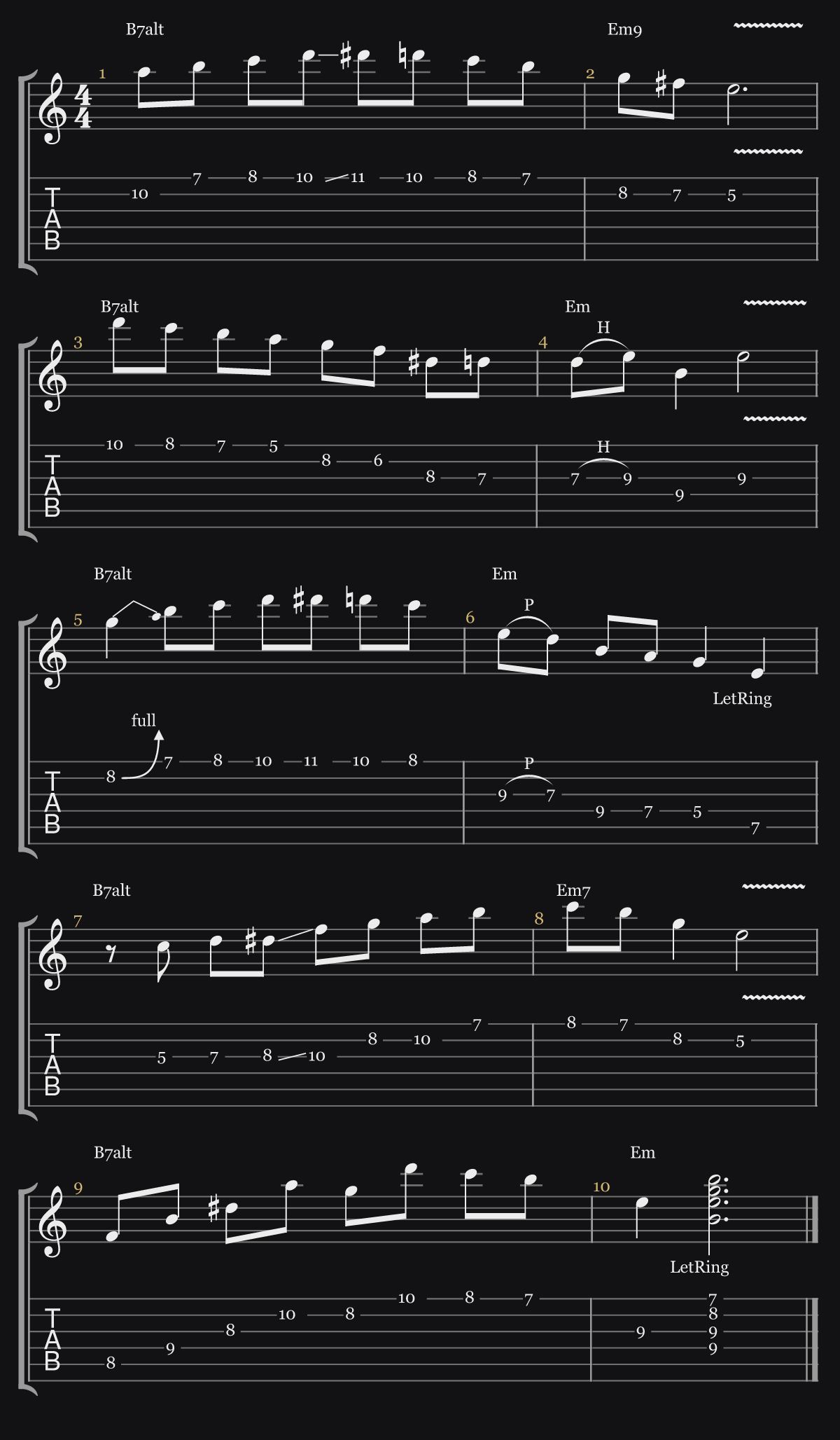
“5 licks in melodic minor over B7alt”
Ask ChatGPT for a lick, a groove, an exercise or a whole arrangement, for guitar, piano, horns, strings, choir or the full band. See it written out properly, play it back, and keep the ones worth practicing.
Here's an 8-bar C Lydian etude for guitar, with a string pad and bass underneath. The recurring F♯ is the raised fourth that gives Lydian its colour. Press play, slow it down with the tempo slider, or mute the guitar and play it yourself.
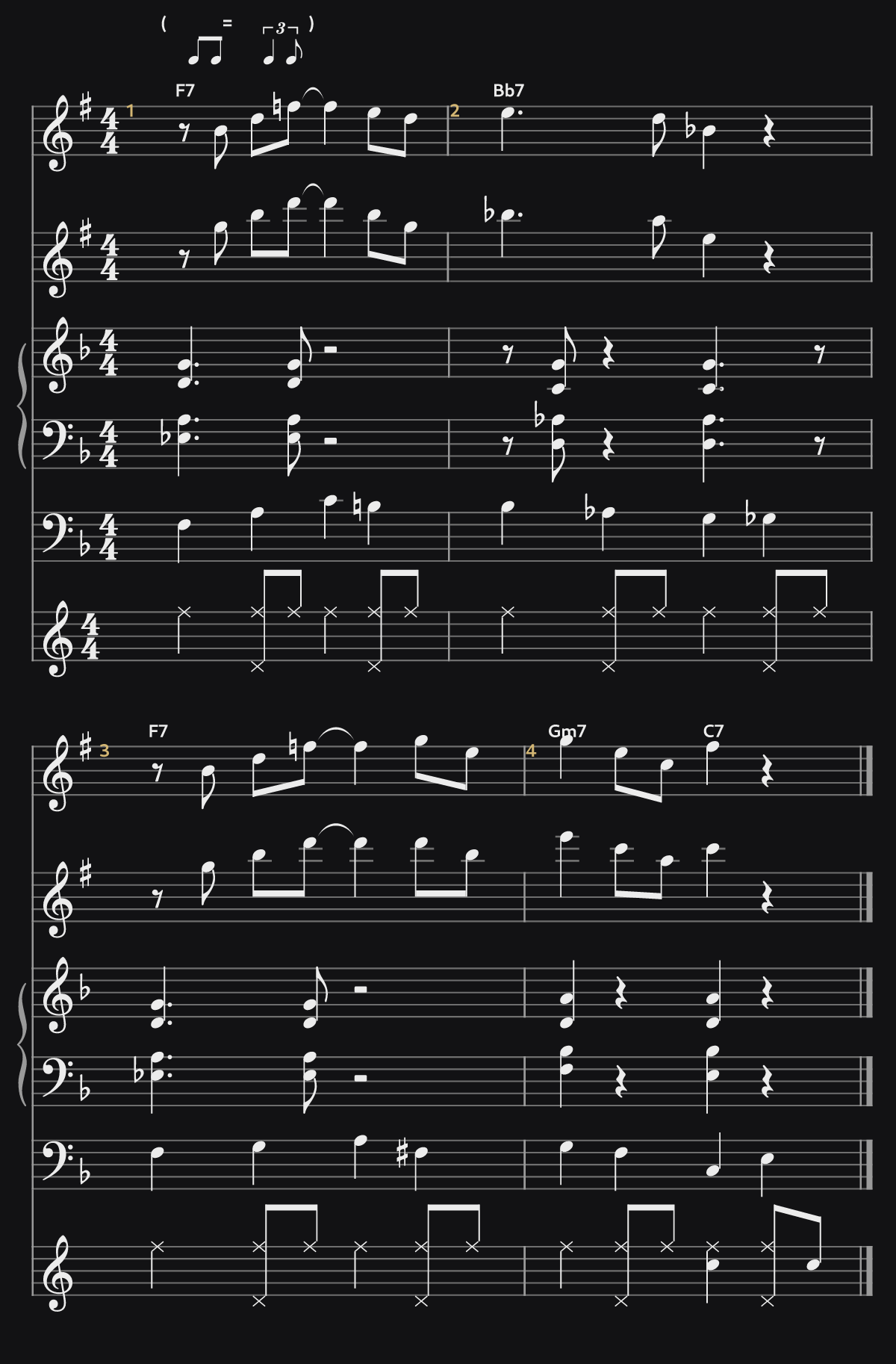
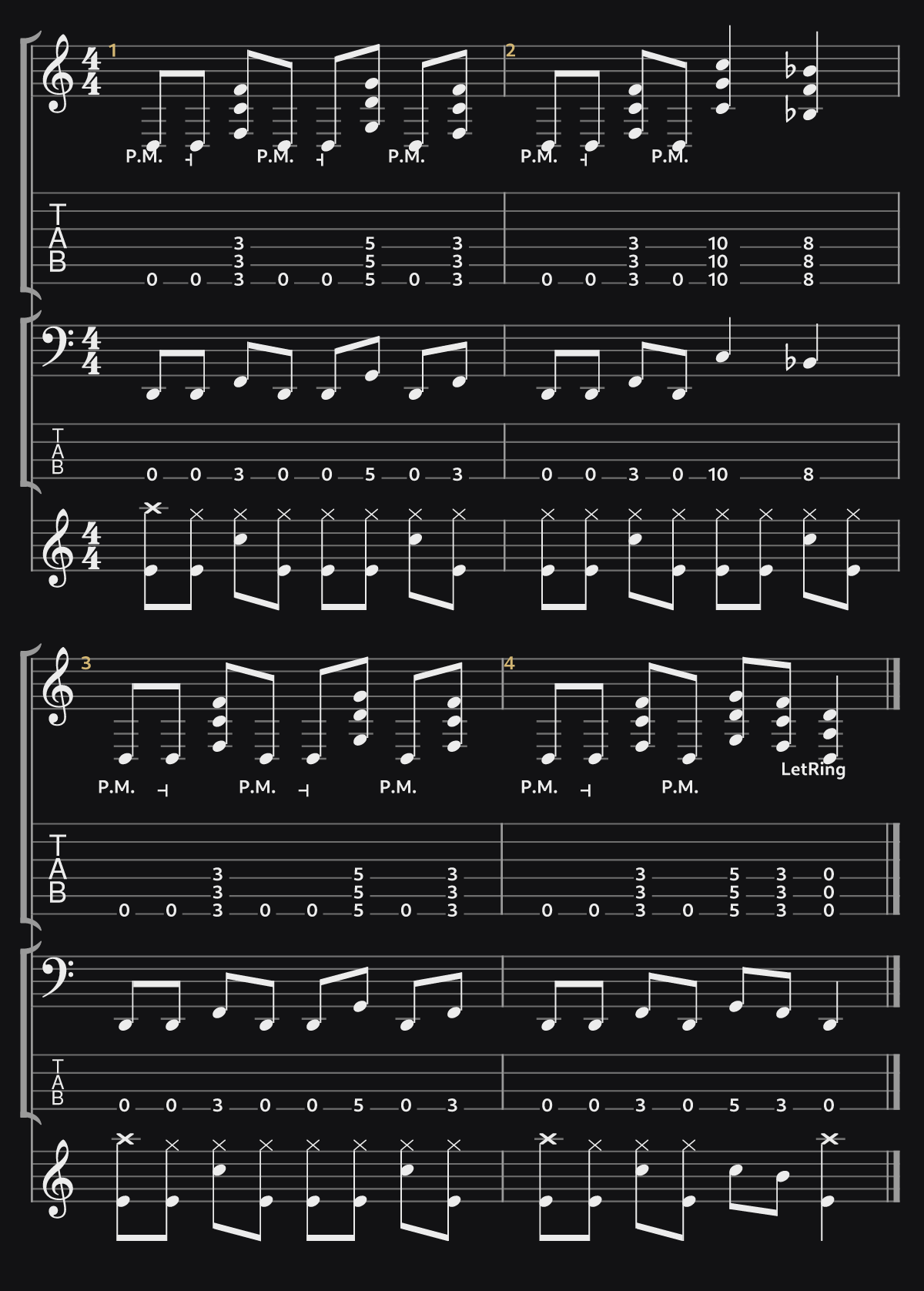
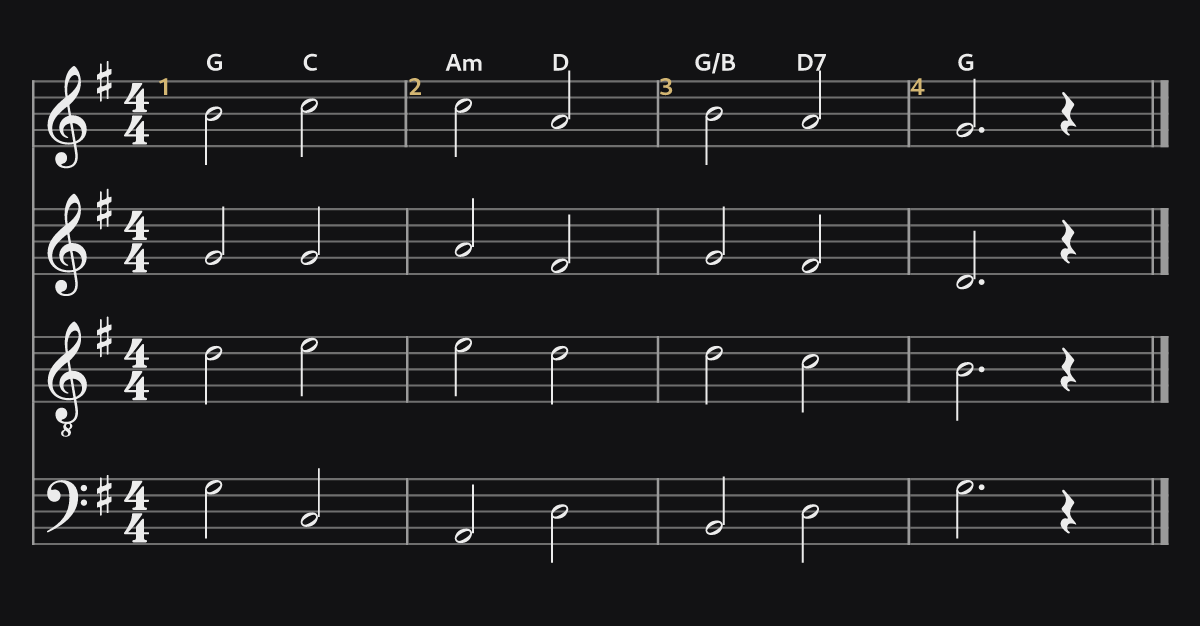
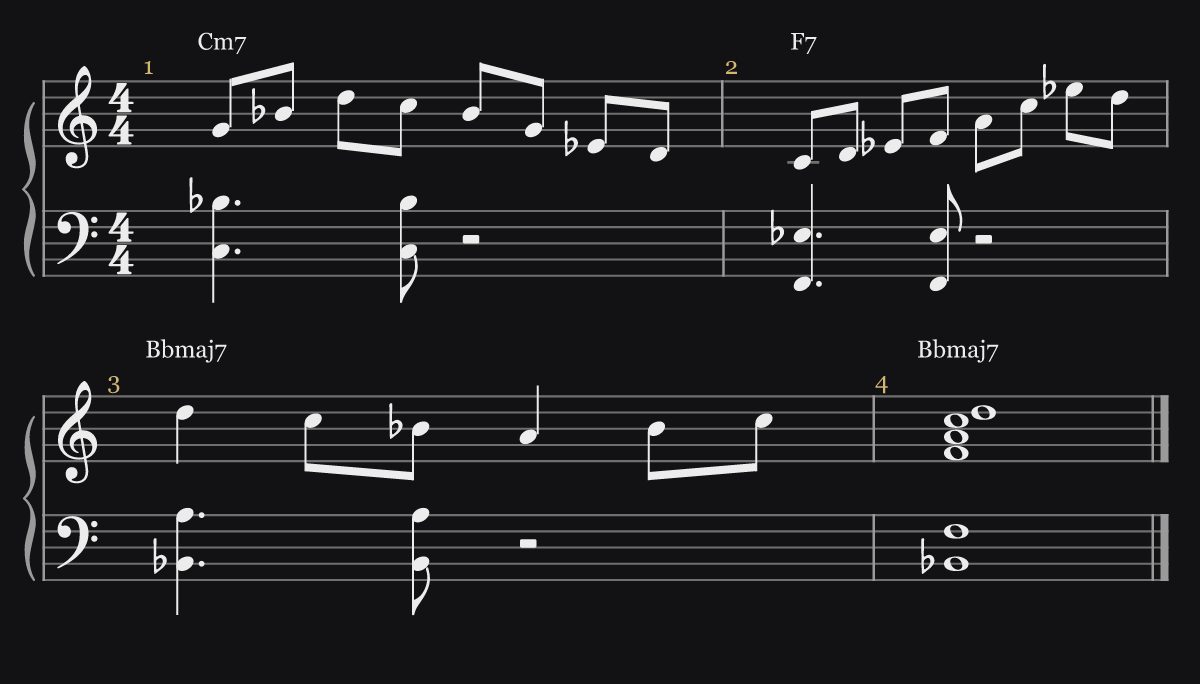
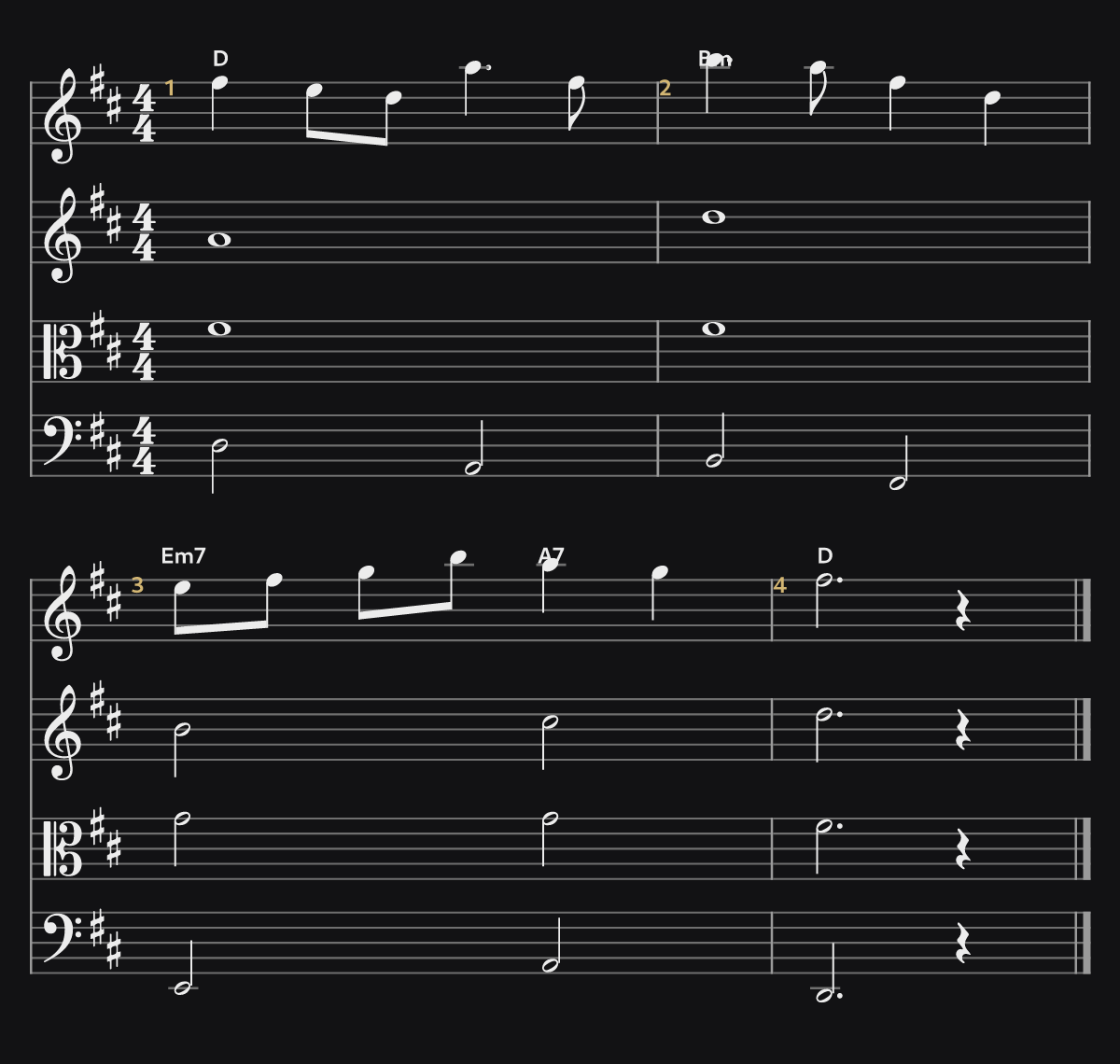
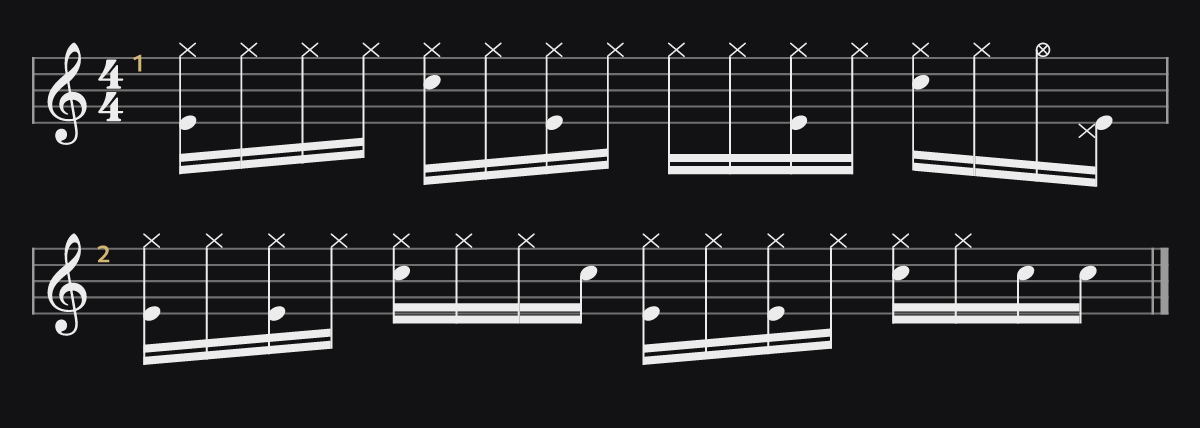
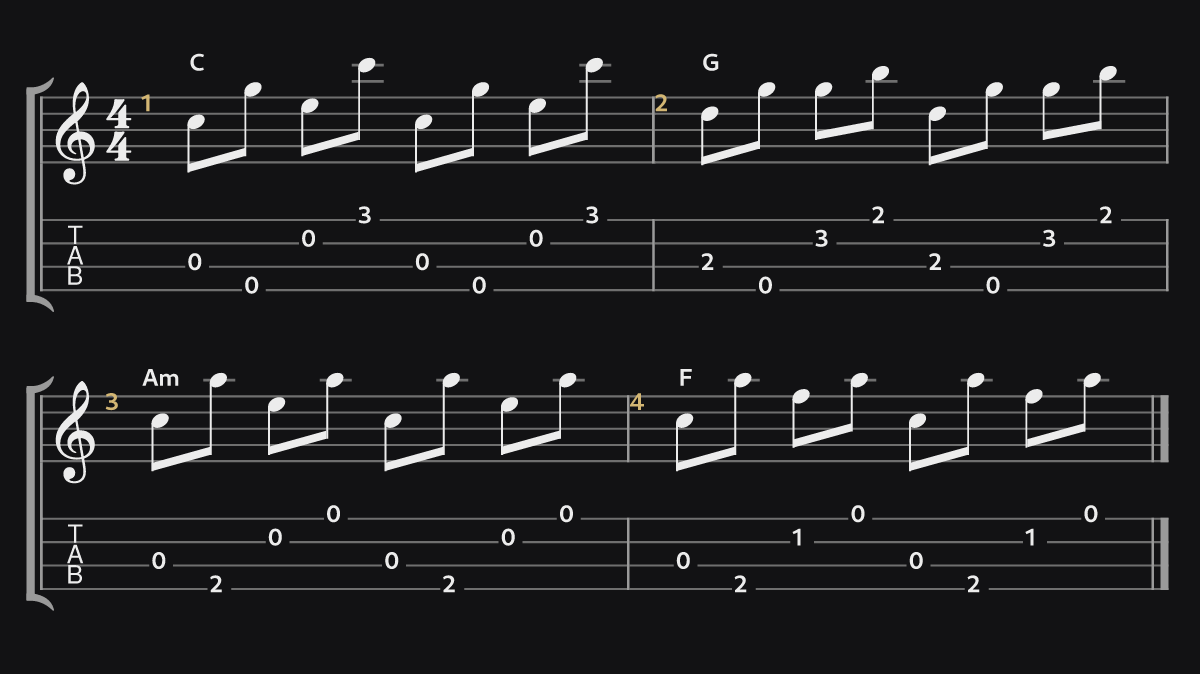
Install the Music Block plugin in ChatGPT; after that ChatGPT calls it whenever you ask for notation.
No. Ask your music question normally. If you get ASCII tab back, say “render that with Music Block”.
Guitars (acoustic, electric, jazz, overdrive, distortion), bass and ukulele with TAB; piano, electric piano and organ on a grand staff; violin, viola, cello, double bass and string section; trumpet, trombone, French horn and tuba; flute, piccolo, clarinet, oboe, bassoon, recorder and saxophones; solo voice and SATB choir; and drum kit.
Up to eight parts per example: a lick over a comping track, a rock band, a jazz quintet, a string quartet, a choir. Parts you only need to hear (a click-track groove, comping under a solo) can stay off the page and still play.
Yes. Ask for drop D, D standard, DADGAD, open D, E, G or C, drop C or B, or spell out your own tuning; 7- and 8-string guitar, 5- and 6-string bass, and low-G or baritone ukulele work too. The TAB is written in that tuning and plays back in it.
Yes. Swing, sixteenth swing and shuffle are written as straight notes with the feel marked above the staff, the way charts are written, and played back with the lilt.
Each example is checked before it is shown. Every bar has to add up and parts that play together have to agree on the chord, or ChatGPT rewrites it first. Anything hard to play (a stretch on the neck, a note out of range, a wind part with nowhere to breathe) comes back to ChatGPT as a note so it can fix it.
Be specific: instrument, style, key, tempo and length. “A 4-bar swing blues head in F for trumpet and tenor sax, with piano, bass and drums” gets you closer than “a jazz tune”.
Every part has its own mute, solo and volume control, so you can drop the lead and play along, or bring the bass up to hear how the line sits on the changes. The tempo slider runs from 50 to 150% of the written tempo.
Yes: PDF and PNG for printing, MusicXML for Guitar Pro, MuseScore, Sibelius, Finale or Dorico, and MIDI for your DAW.
Ask ChatGPT for the change and it re-renders. To edit it yourself, press Edit in Studio on the score: it opens as a project in Music Block Studio, where you can ask the AI for changes, add instruments and keep arranging.
Hit Save. The first save opens a one-time sign-in (Google or an emailed link) that links your ChatGPT account; every save after that is one click, and they all land in your library.
Yes. Share gives you a link that replays the render in the browser. Anyone with the link can open it; it isn’t listed publicly.
Yes. It works in every ChatGPT client: web, desktop and mobile.
It’s a built-in soundfont, meant for hearing the idea clearly rather than as a produced recording.
Check the ring/silent switch, then tap play again; iOS only lets audio start from a tap.